
Turn on suggestions
Auto-suggest helps you quickly narrow down your search results by suggesting possible matches as you type.
Showing results for
EN
Turn on suggestions
Auto-suggest helps you quickly narrow down your search results by suggesting possible matches as you type.
Showing results for
- English
- :
- Knowledge Base
- :
- Visualization
- :
- Limitations of current Redshift's integration in A...
Options
- Subscribe to RSS Feed
- Mark as New
- Mark as Read
- Bookmark
- Subscribe to Topic
- Printer Friendly Page
- Report Inappropriate Content
Limitations of current Redshift's integration in Archicad
on
2021-11-02
03:00 PM
- edited on
2023-05-15
02:43 PM
by
 Noemi Balogh
Options
- Subscribe to RSS Feed
- Mark as New
- Mark as Read
- Bookmark
- Subscribe to Topic
- Printer Friendly Page
- Report Inappropriate Content
Redshift is currently included as a Technology Preview with a few limitations in Archicad 25. Nevertheless, it brings significant benefits in terms of performance compared to Cinerender.
At the current stage of development, the following phenomena can be experienced when using Redshift:
I. Surfaces
The hierarchy between layers doesn't appear because the blending mode between multiple layers works inconsistently.
With two layers, it works if the second layer's blending mode is Normal. In the case of the first layer, some blending options still don't work (like Sat, Burn, Color, Dodge). But with this combination, effects and textures can work well together (but they can be channel-dependent).
In case you need to use more layers, the mix between them may not work well.
There is also inconsistency between the use of different layers.
Fresnel: it will override the surface texture
| Cinerender | Redshift |
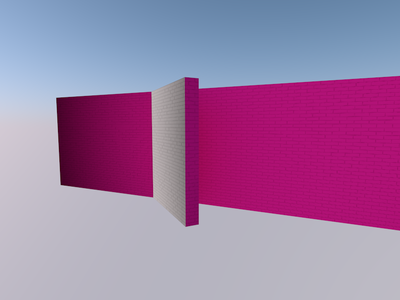 |
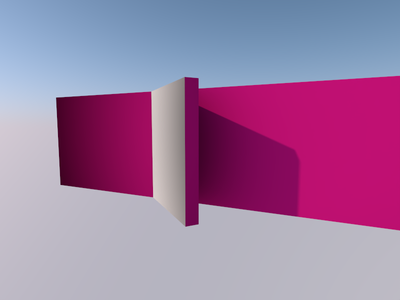 |
Gradient: complete misalignment of the texture in case of 3D types
| Cinerender | Redshift |
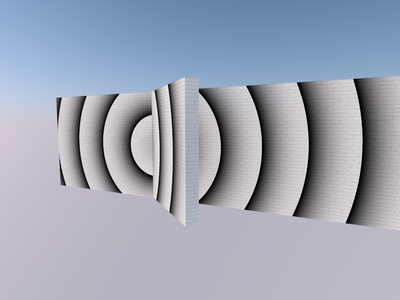 |
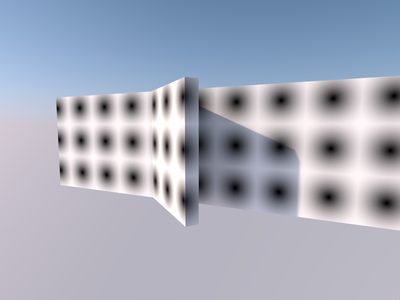 |
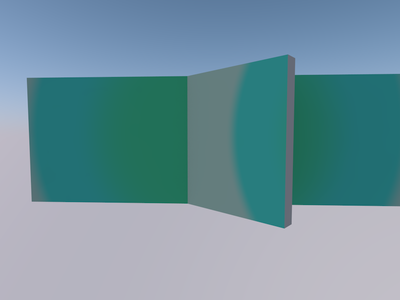
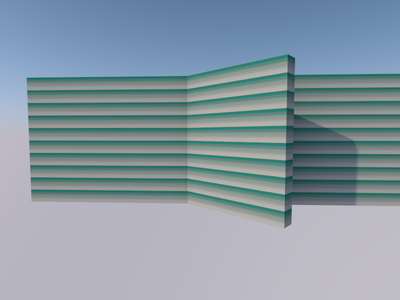
Colorizer, Filter, Fusion, Layer, Posterizer: these are texture options that are built on other textures so there may be inconsistencies
Posterizer - Fresnel
| Cinerender | Redshift |
 |
 |
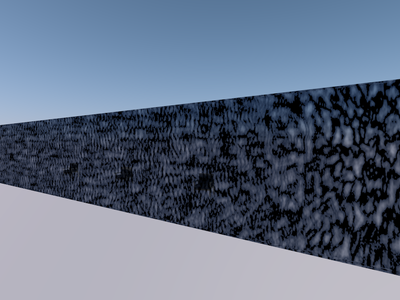
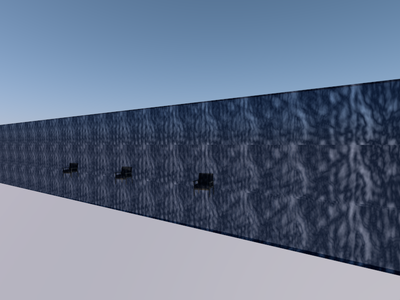
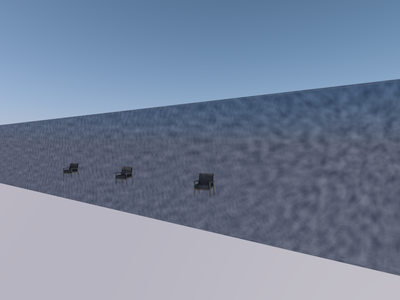
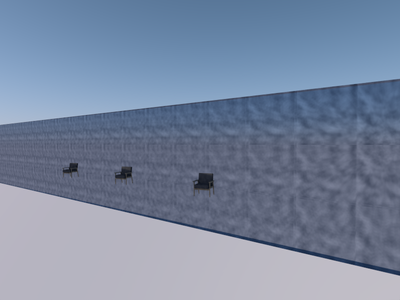
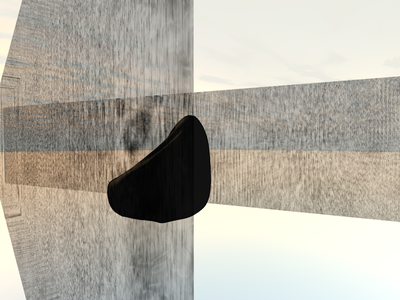
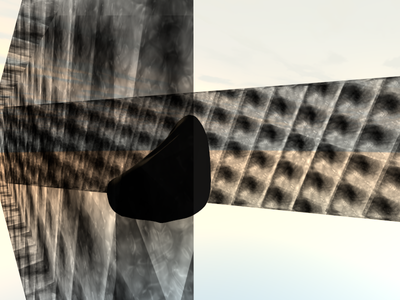
Procedural: mostly misalignment of the texture
Water
| Cinerender | Redshift |
 |
 |
Simple Turbulence
| Cinerender | Redshift |
 |
 |
Venus
| Cinerender | Redshift |
 |
 |
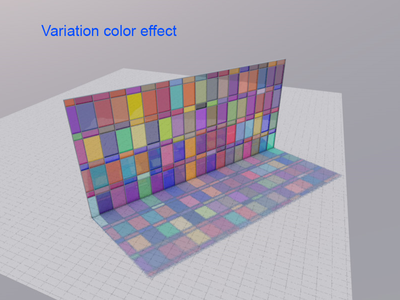
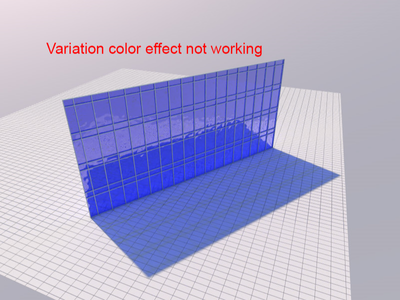
Variation
| Cinerender | Redshift |
 |
 |
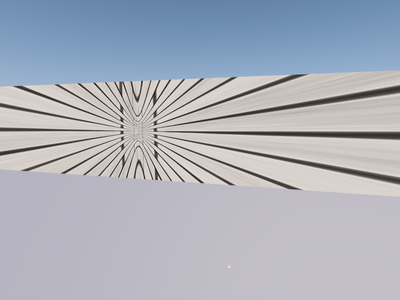
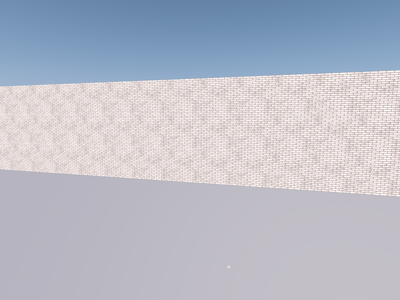
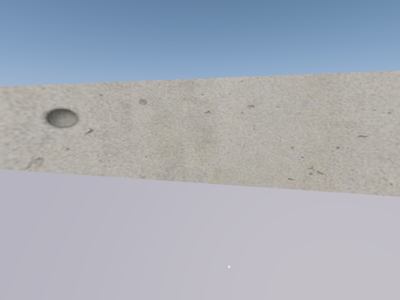
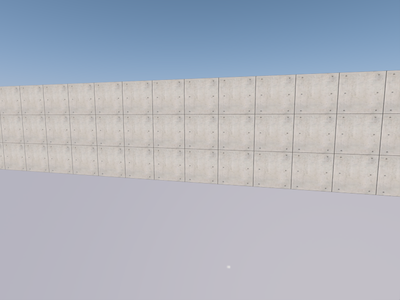
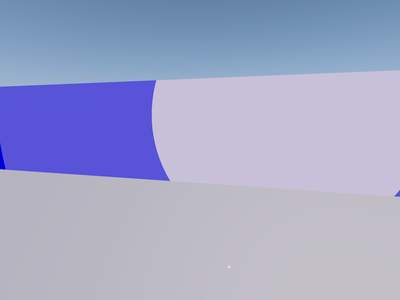
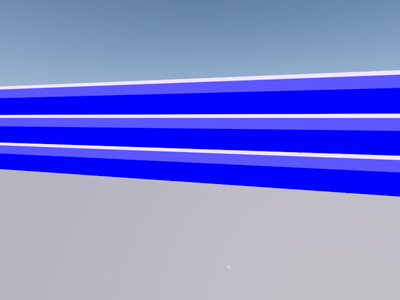
Shader Effect and Sketch: may not work correctly
Projector
| Cinerender | Redshift |
 |
 |
Sketch - Art
| Cinerender | Redshift |
 |
 |
Sketch - Cel
| Cinerender | Redshift |
 |
 |
Sketch - Spot
| Cinerender | Redshift |
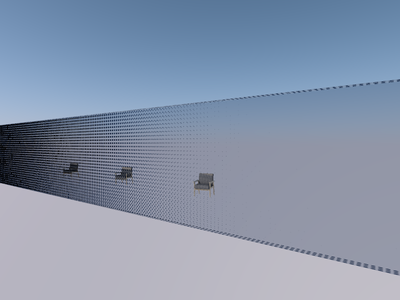 |
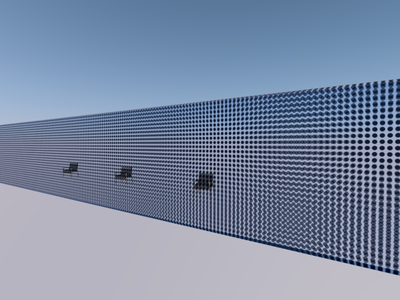 |
Alpha channel may not work as expected on macOS
To render transparency, it is recommended to turn off Image Alpha option.
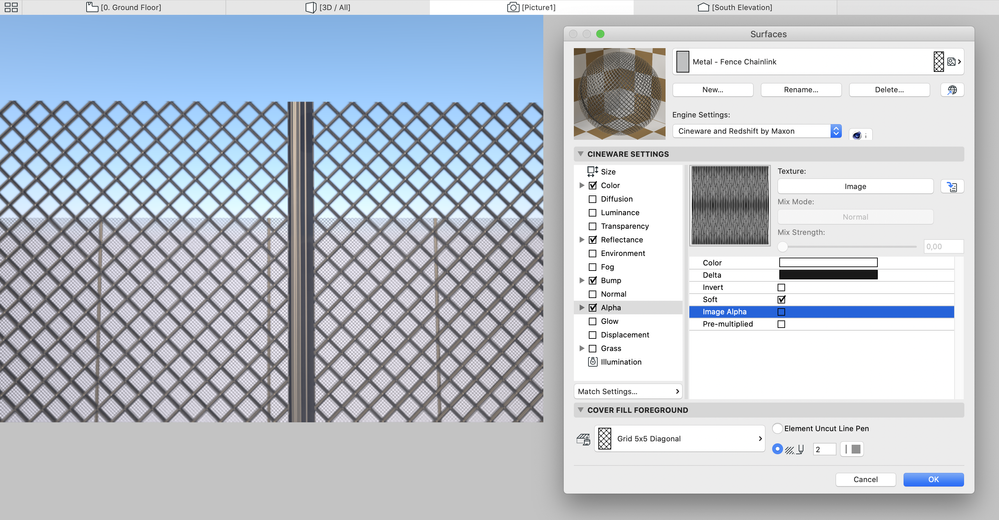
Other channels only work in a simplified way (not all additional parameters will work)
- Luminance
- Transparency
- Reflectance
- Normal
- Bump
For the default basic textures, it is recommended to have the following settings:
- Air: Color layer in the Alpha channel doesn't work, the texture is completely invisible in the rendering
- Foliage - Wild grapes / Leaves Tree Small: the sun highlights the texture, thus Reflectance channel should be turned off in Surface Settings
- Concrete - 02: rendering with Low quality preset will result in much worse texture (higher quality will provide better texture backing)
- Insulation - Fiberglass: Alpha channel in Surface Settings should be turned off
- Metal - Nickel: the texture becomes black in the render. To avoid this, the Reflectance channel should be turned off (other metals may differ from defaults due to alpha and reflectance layers)
- Pavement - Brick Moss: the texture can be fine-tuned without using the first Noise layer in the Color channel (Surface Settings) or by modifying the Noise layer's Blend Mode and Blend Strength value
- Water - Wavy/ Pond: Reflectance channel should be turned off
- Glass - Lamp: the surface will not illuminate nearby surfaces
II. Light Sources and Objects
Area Light: it only works with Rectangle and Disc shapes in Redshift
Redshift cannot render other shapes, or the light cannot illuminate
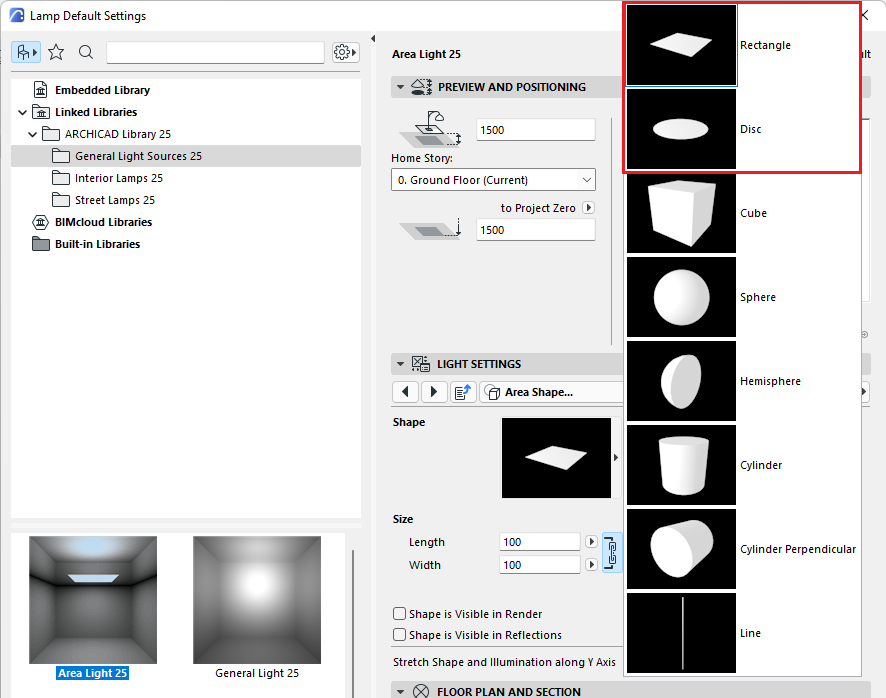
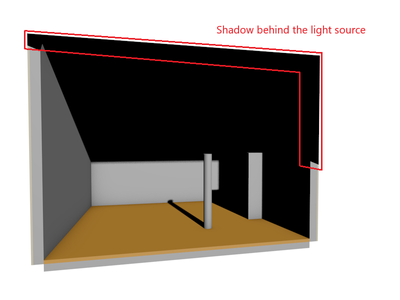
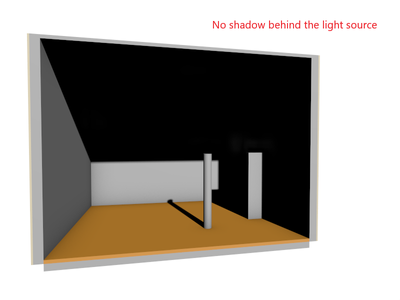
Parallel Light: there is no shadow behind the light source in Redshift
| Cinerender |
Redshift |
 |
|
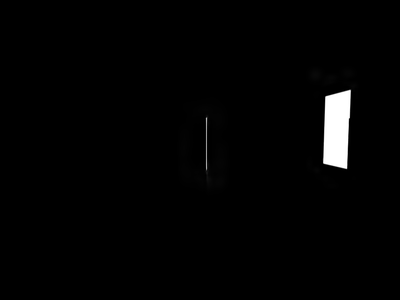
Window Light: the light source does not illuminate nearby surfaces without Global Illumination, or becomes too bright.
| Cinerender |
Redshift |
 |
|
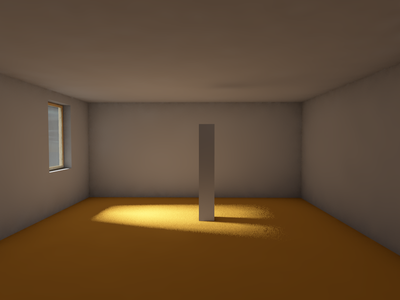
Sun Object: it is not entirely similar to Cinerender
| Cinerender |
Redshift |
 |
|
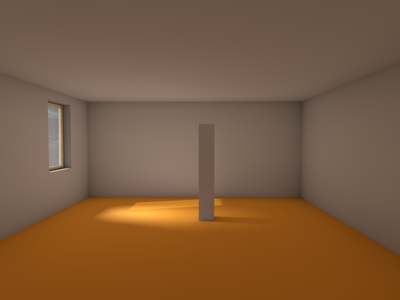
Effects: they are not supported:
- Visible Light
- Noise
- Caustics
- Lens Flare (works in some cases)
- Clipping
- Noise
- Illumination Related Special Effects
- Shadow and Surface Related Special Effects (if Ignore Diffuse Channel option is ticked, the render is black)
III. PhotoRendering Settings
1. Basic Settings
- Shadow quality: doesn't work due to limitation of Shadow Casting from Detailed Settings.
- The Sharp - Blurry slider of the White Model does not work, because it is related to the limitation of Depth of Field effect.
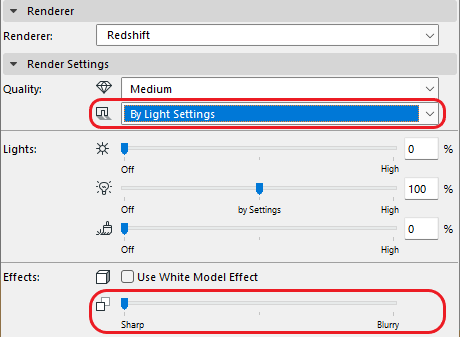
2. Detailed Settings
By design, after selecting the Redshift option the parameters in these settings will disappear.
Shadow Casting
Environment
Sun
Shadow Color
Transparency
Sky
Physical Properties
Intensity
Ozone
Atmosphere
Fog
Rainbow
Sunbeam
Effects
Caustics
Cel Renderer
Color Correction
Depth of Field
Distance Fog
Lens and Filters
Monochrome model (works only in case of White Model)
Vignetting
Spherical Camera
Use Stereo Rendering
Options
General Options (some parameters can be set under Trace Depth tab)
Antialiasing
Grass
IV. Other
- Redshift cannot render 2 or more images at the same time.
- Redshift's render with HDRi sky might be darker than Cinerender's. Additional sunlight should be used in this case.
Still looking?
Browse more articles
Back to articlesSee latest solutions
Accepted solutionsStart a new discussion!
