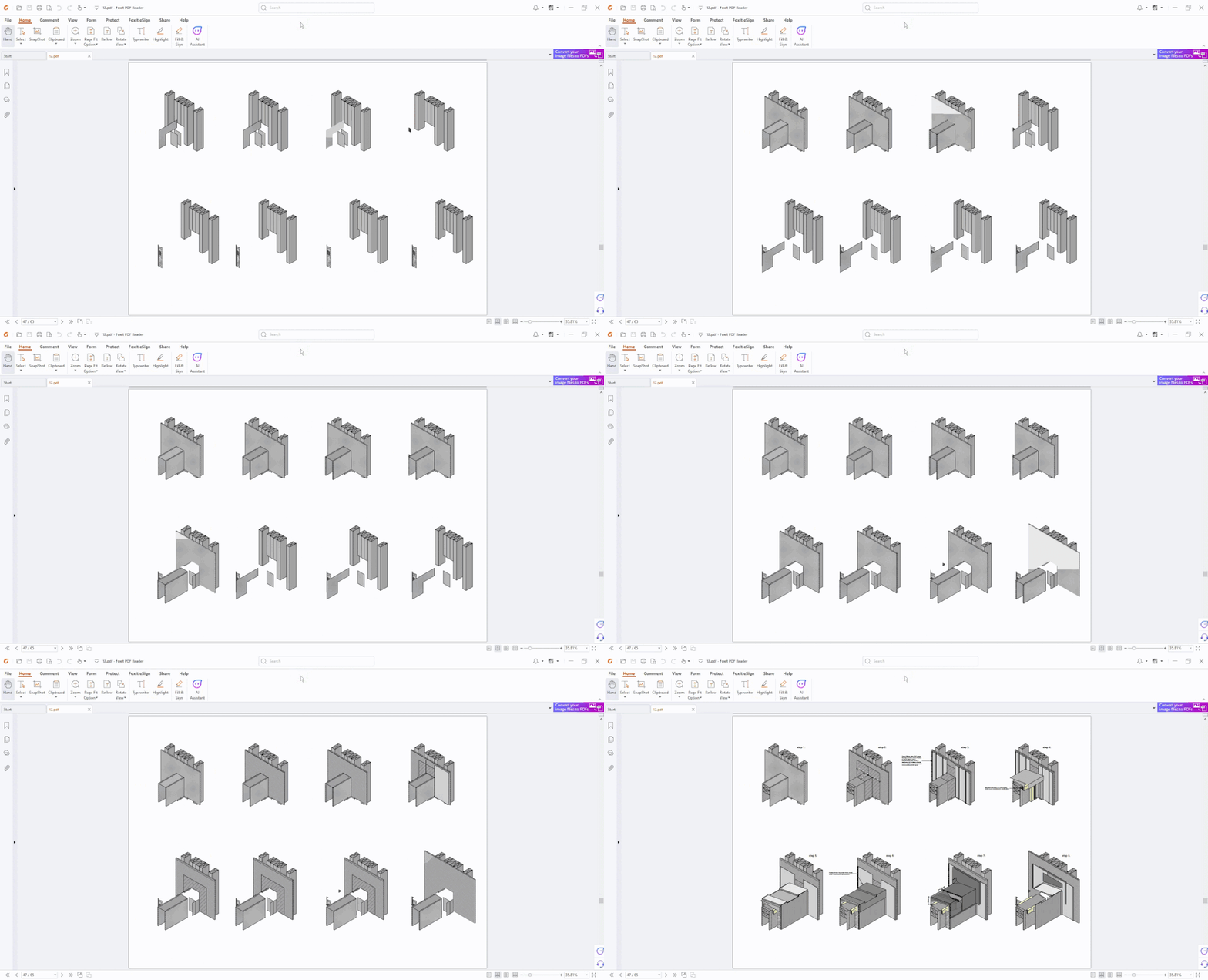
Due to the vectorial nature of fills etc, our PDFs end up lagging and freezing, often to the point where some are unusable. There are workarounds, but these usually involve substituting certain fills for plain or simple ones. That's often not an option when trying to visually annotate different building elements. My mindset is "we've got the resources let's use them". There's websites where you can flatten PDFs but hit and miss success.
Our current most efficient work around is; once we have published the PDF from Archicad, we then open the PDF in Adobe or Foxit and print to the "Microsoft Print to PDF" virtual printer, we then tick "Print as Image".

My wish is:
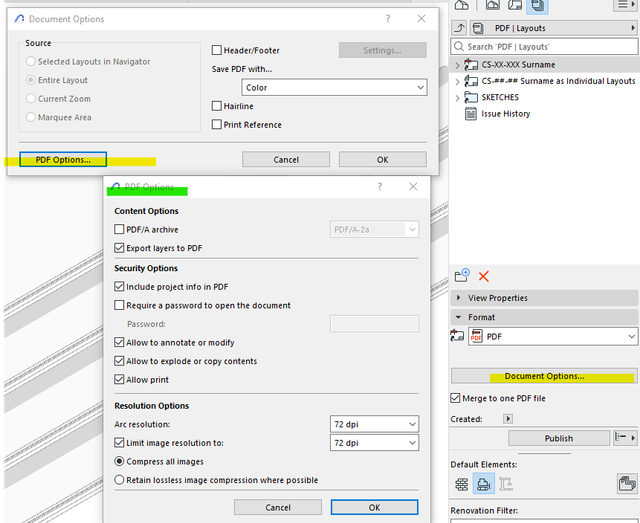
In the Publisher, under Document Options, there should be a "Print as Image" option like above, to avoid the below...
Perhaps in here:


 Submitted