
Turn on suggestions
Auto-suggest helps you quickly narrow down your search results by suggesting possible matches as you type.
Showing results for
EN
Turn on suggestions
Auto-suggest helps you quickly narrow down your search results by suggesting possible matches as you type.
Showing results for
- English
- :
- Forum
- :
- Installation & update
- :
- Re: AC22 - some windows do not show anything at al...
Options
- Subscribe to RSS Feed
- Mark Topic as New
- Mark Topic as Read
- Pin this post for me
- Bookmark
- Subscribe to Topic
- Mute
- Printer Friendly Page

Anonymous
Not applicable
Options
- Mark as New
- Bookmark
- Subscribe
- Mute
- Subscribe to RSS Feed
- Permalink
- Report Inappropriate Content
2020-06-09 02:30 PM
AC22 - some windows do not show anything at all
2020-06-09
02:30 PM
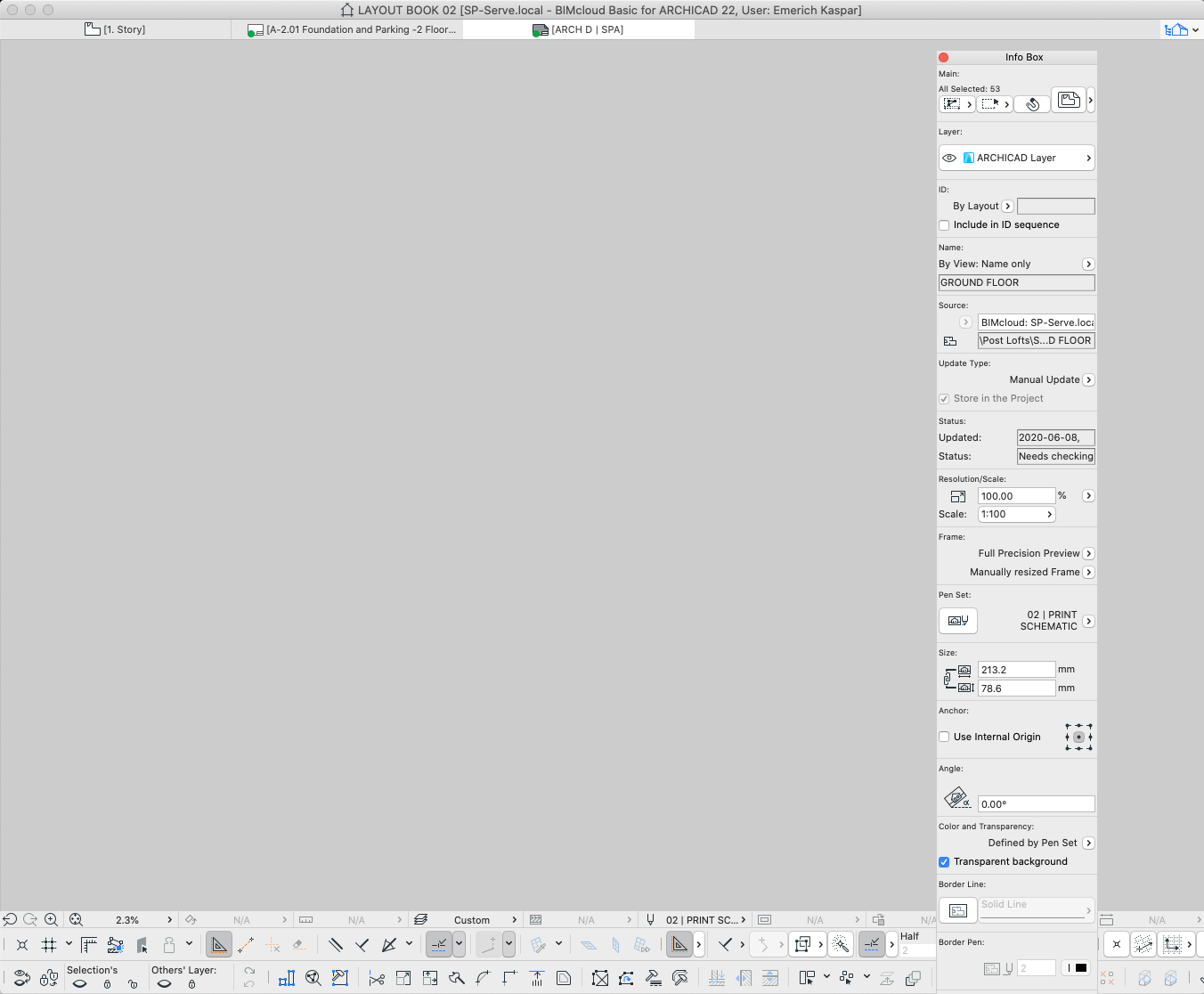
I'm working on a MacBook Pro [10.15.4] with AC22 in teamwork and have recently opened several teamwork files where some windows won't show anything at all. They simply open as completely blank - though it seems I can select things without seeing them or any of the highlighted nodes. Sometimes it's only the layout window or master layout that appears completely and sometimes it includes all windows - even the Plan View.
Attached is a screen grab of the a Master Layout that is zoomed to extents with everything in the window selected.
Read-Only
Labels:
- Labels:
-
Performance
2 Replies 2

 Laszlo Nagy
Community Admin
Options
- Mark as New
- Bookmark
- Subscribe
- Mute
- Subscribe to RSS Feed
- Permalink
- Report Inappropriate Content
2020-06-09 03:29 PM
2020-06-09
03:29 PM
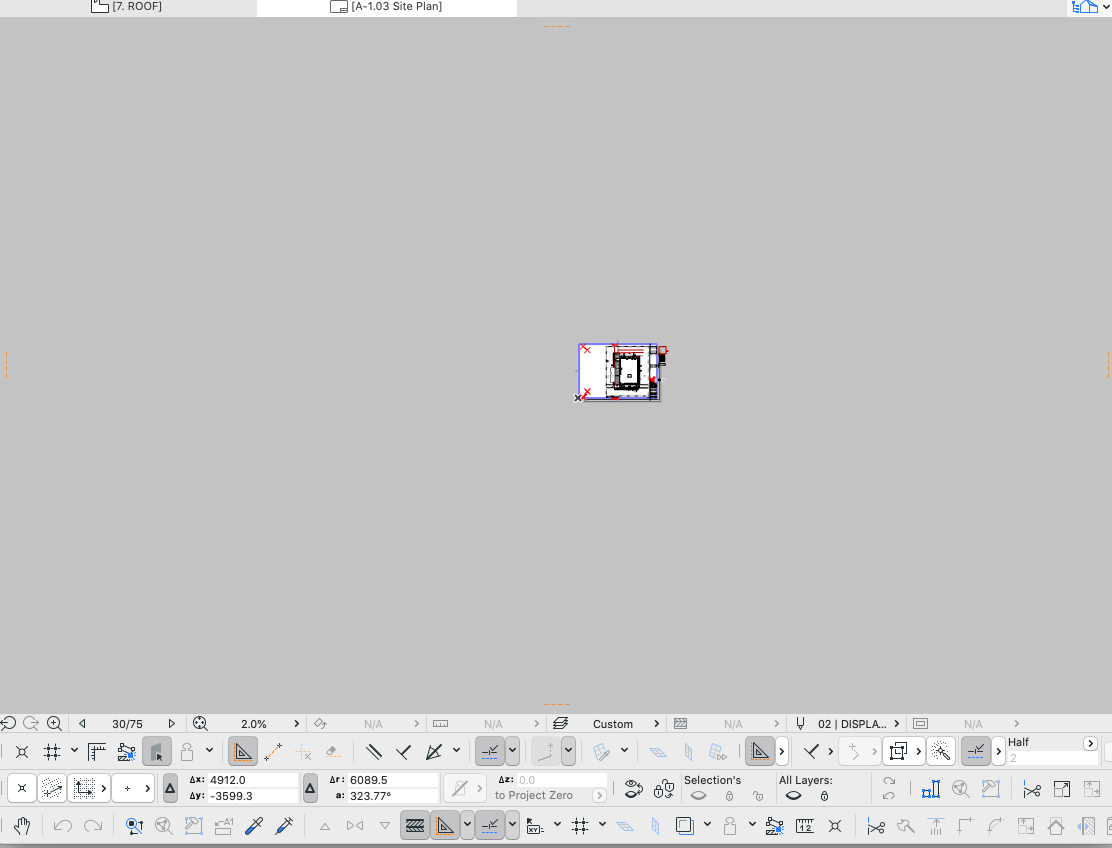
From that 2.3% zooming value visible on your Options Bar I would say you are pretty zoomed in.
What happens if you right-click into the gray background and choose the "Fit in Window" command from the context menu?
What happens if you right-click into the gray background and choose the "Fit in Window" command from the context menu?
Loving Archicad since 1995 - Find Archicad Tips at x.com/laszlonagy
AMD Ryzen9 5900X CPU, 64 GB RAM 3600 MHz, Nvidia GTX 1060 6GB, 500 GB NVMe SSD
2x28" (2560x1440), Windows 10 PRO ENG, Ac20-Ac29
AMD Ryzen9 5900X CPU, 64 GB RAM 3600 MHz, Nvidia GTX 1060 6GB, 500 GB NVMe SSD
2x28" (2560x1440), Windows 10 PRO ENG, Ac20-Ac29
Anonymous
Not applicable
Options
- Mark as New
- Bookmark
- Subscribe
- Mute
- Subscribe to RSS Feed
- Permalink
- Report Inappropriate Content
2020-06-09 05:09 PM
Still looking?

Suggested topics
- Nemetschek Creator, why? and how to remove? in Installation & update
- How can I combine model data and schedule totals into one building data summary table? in Project data & BIM
- Properties: Trailing Zeros in Documentation
- Dimensions in Documentation
- ArchiCAD Languages and Libraries in General discussions
