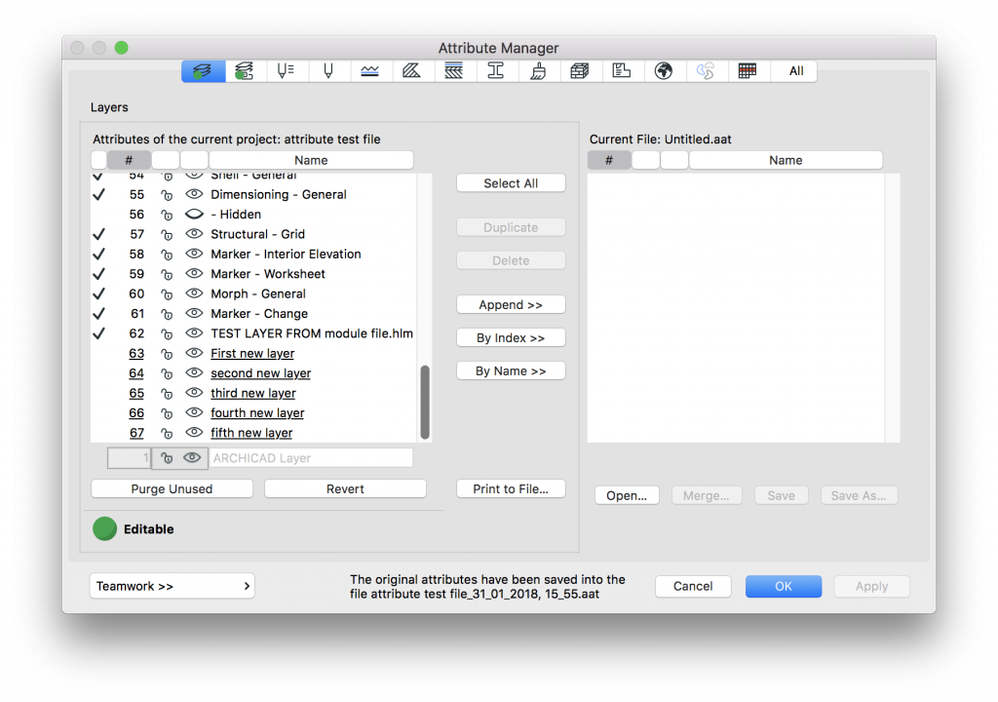
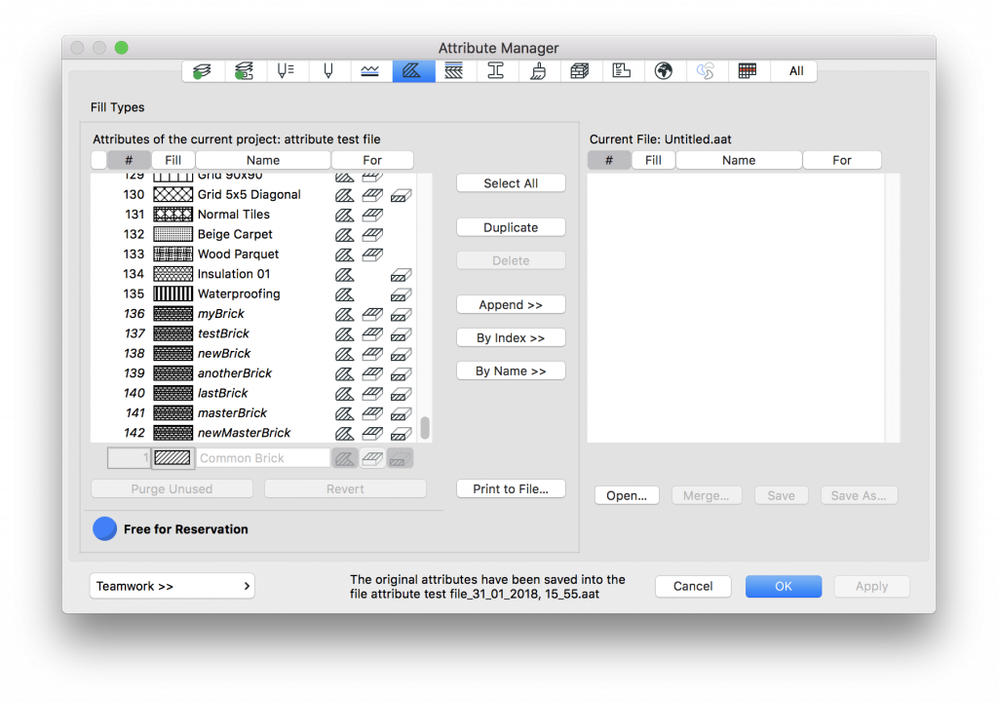
You may have noticed, that sometimes when you open the Attribute Manager there are several Attributes that have italic and/or underlined fonts. But what do they mean?
Underlined:
In Teamwork, you have the option to create new attributes in a project, most of the time even without reserving them. To help you see which attributes are already in the central model (and visible to others as well), and which are the ones that you have created, but have not yet sent in to the server, ARCHICAD marks these unsent Attributes by underlining them.
Italic:
GDL elements (such as objects, doors, windows, etc.) have the ability to create attributes (these can be fill patterns, line types, surfaces, and building materials). Attributes defined by them are usually created when the Library is loaded, and appear in the Attribute list in italic. You can delete these attributes if it is in the way for you, but they will be regenerated the next time the library is loaded (or the specific object is used). If you want to remove them from your project permanently, first identify which object is using/creating them, and delete those first. After that, the Attributes shouldn't reappear again.