What is Twinmotion? It is a cutting-edge, real-time rendering software developed by Epic Games perfect for architectural visualization. Read more about it here.
Archicad full license owners with an active SSA (Software Service Agreement) can acquire a Twinmotion 2021 license for free until December 31, 2021.
This offer does not apply for customers using Archicad Solo. Learn more about Archicad license types in this article.
Ar you already using Twinmotion 2020? You’re entitled to a free upgrade!
Step by Step Guide to Activate Free Twinmotion 2021 License for Archicad users
This guide is based on the original article of SIMBIM, GRAPHISOFT's Spanish distributor.
1. Click to Sign in/up with your GRAPHISOFT ID
Open your browser and navigate toTwinmotion page on GRAPHISOFT's website.
Sign in with your GRAPHISOFT ID orSign Up if you don’t have a GRAPHISOFT ID yet.
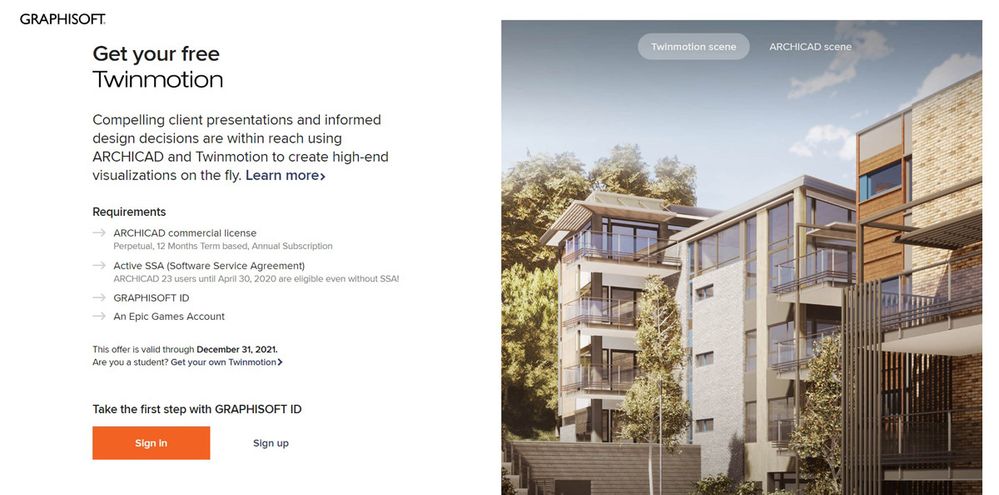
After you are signed in, you should see the following information on your screen:
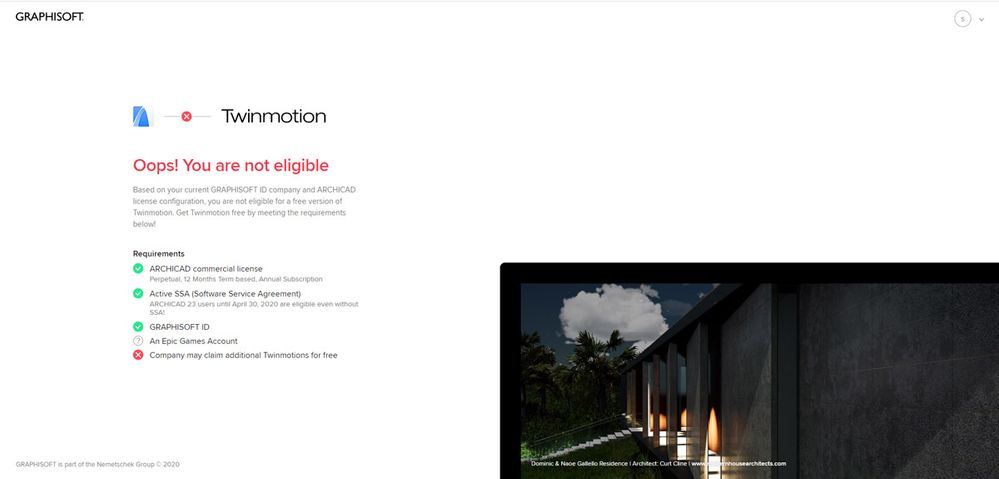
However, if you are not eligible to receive a free Twinmotion 2021 license, you will see the following information on your screen. If you think you should be eligible, reach out to your local Archicad distributor.
2. Connect your Archicad license to your GRAPHISOFT ID (if it is not yet connected)
Since you are an Archicad user, your Archicad license is probably already linked to your GRAPHISOFT ID. If it is not, follow these steps to connect it:
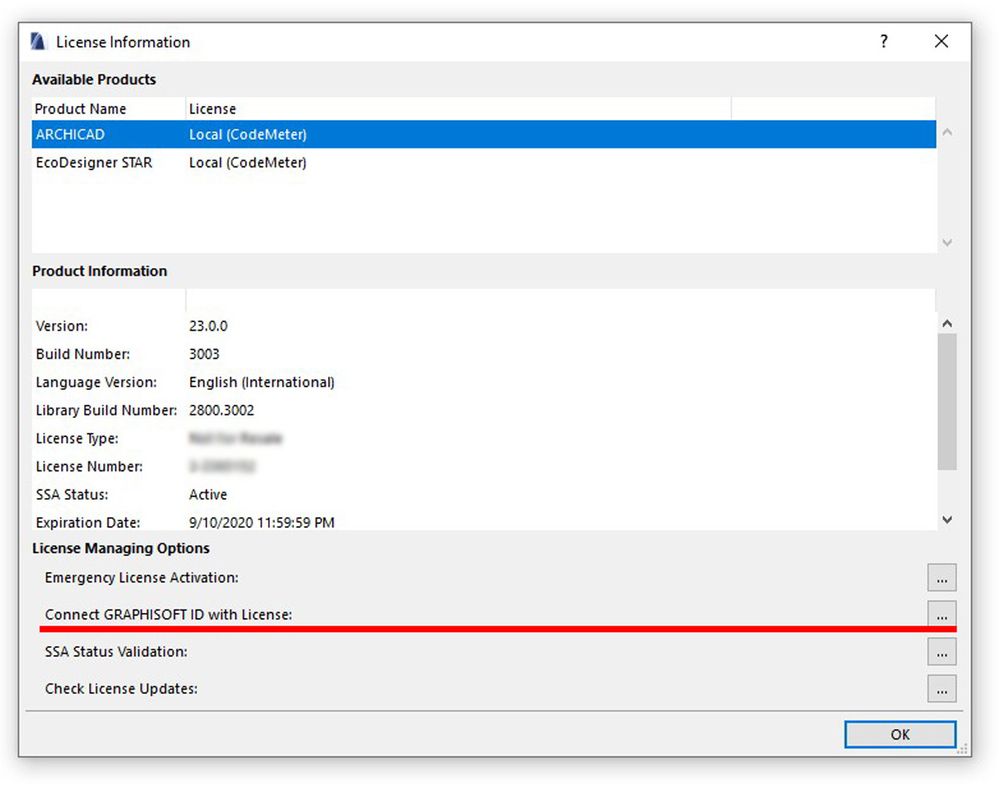
1. Open Archicad and any project in it, or start a new one. 2. Go to Help menu and select License Information. 3. Click on Connect GRAPHISOFT ID with License. (If your license is already connected, this is greyed out.) 4. A dialog box opens, then sign in with your GRAPHISOFT ID.
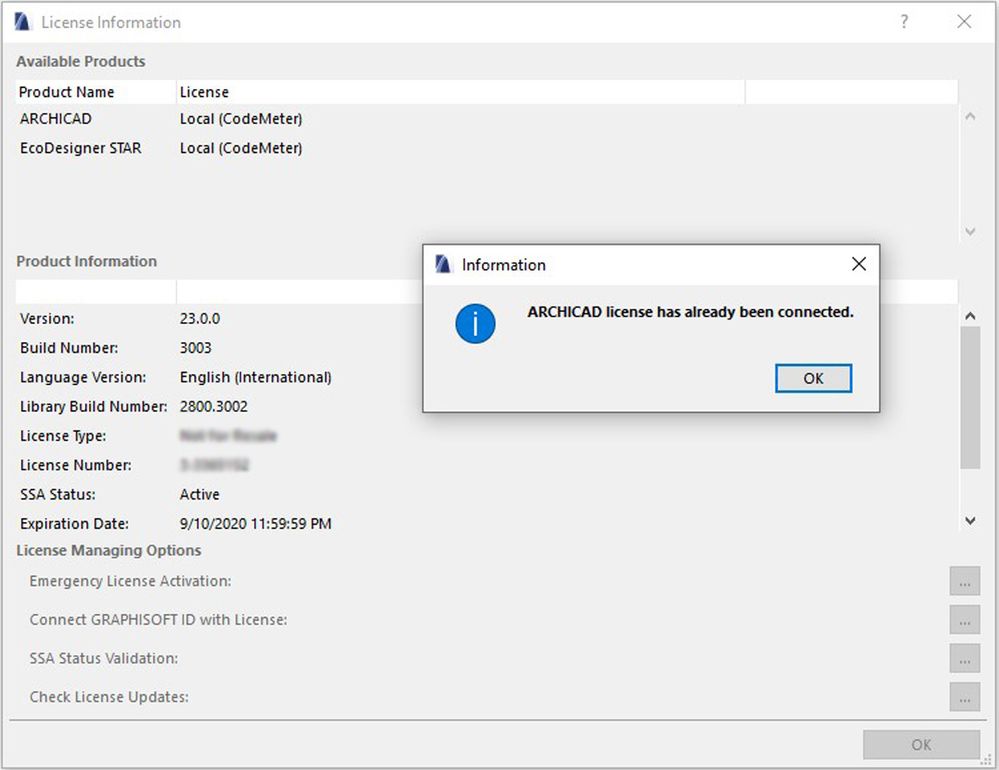
NOTE: If your license is already connected to your GRAPHISOFT ID, you will receive the following message. (If not, then the message will ask you to enter your company information).
5. Success, Click OK, go back to the browser and refresh the webpage.
3. Sign in/up at Epic Games and get your FREE license
1. Click on Sign in at Epic Games to obtain your free Twinmotion 2021 license.
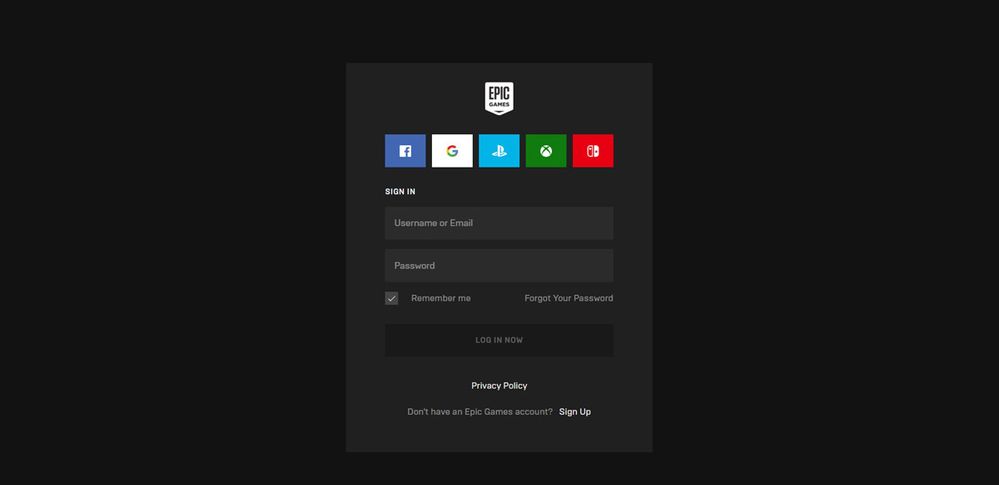
2.Sign in to your Epic account, enter your credentials (if you do not have an account, click on Sign Up to create a new account.)
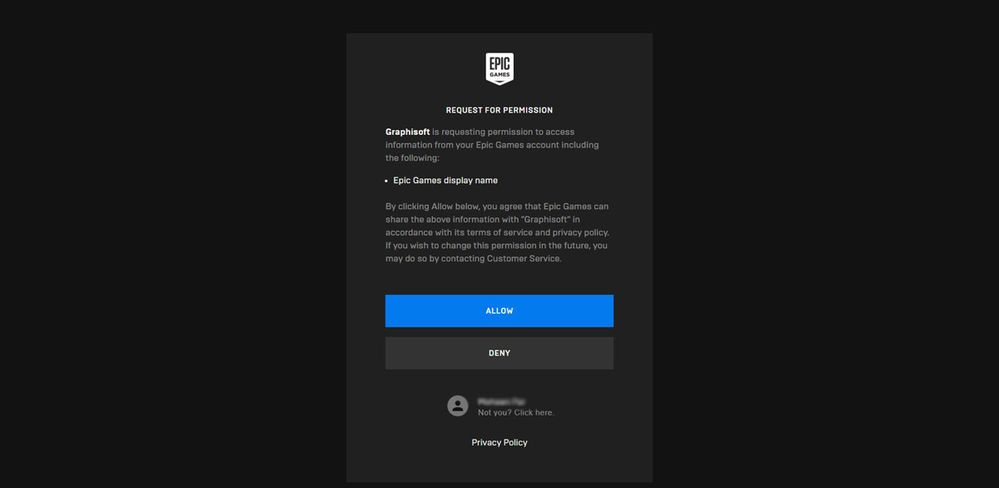
NOTE: During this process, you may be asked to allow GRAPHISOFT to access your Epic Games account. Click on Allow.
3. After this step, you should see the following information that is confirming, that your Twinmotion license is ready:
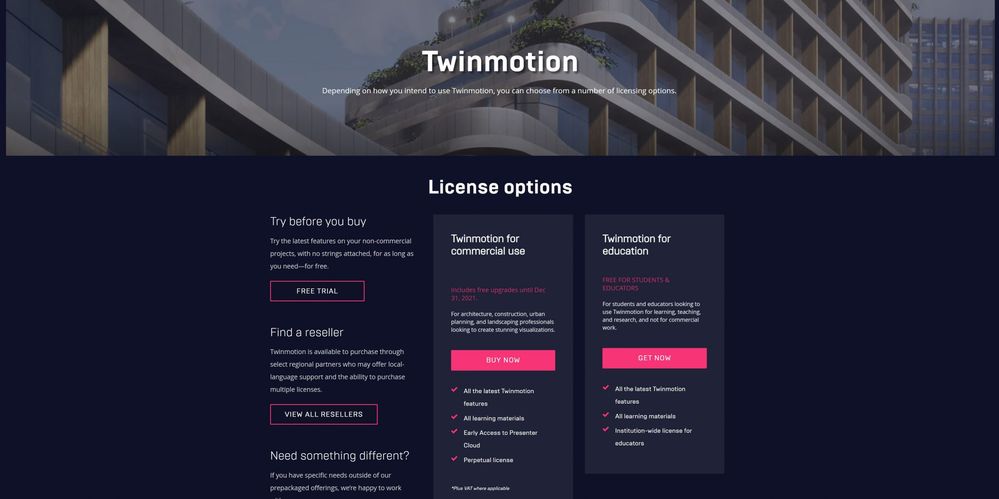
5. Click on Buy Now. (You will either see zero price or it will directly take you to the download page without asking you to pay.)
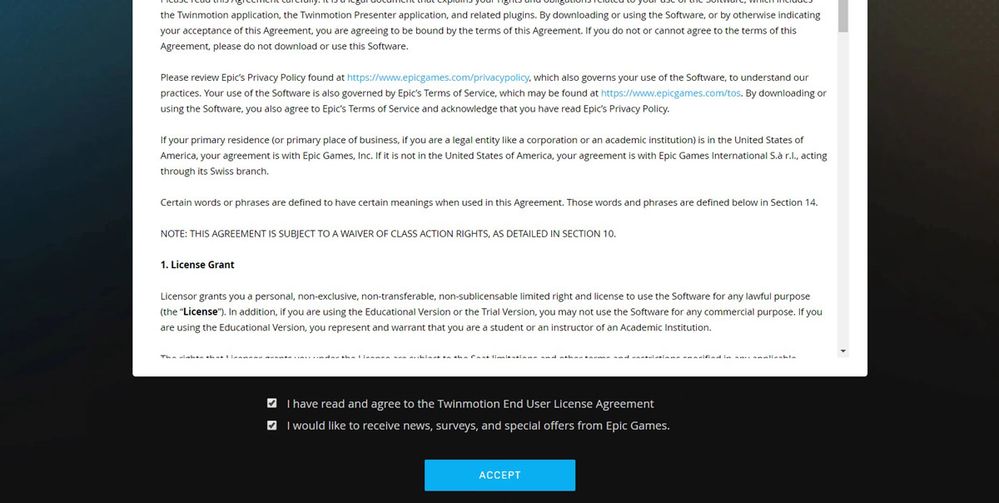
6. Accept the End User License Agreement of Epic Games, and we also recommend to accept to receive Epic Games news and updates.
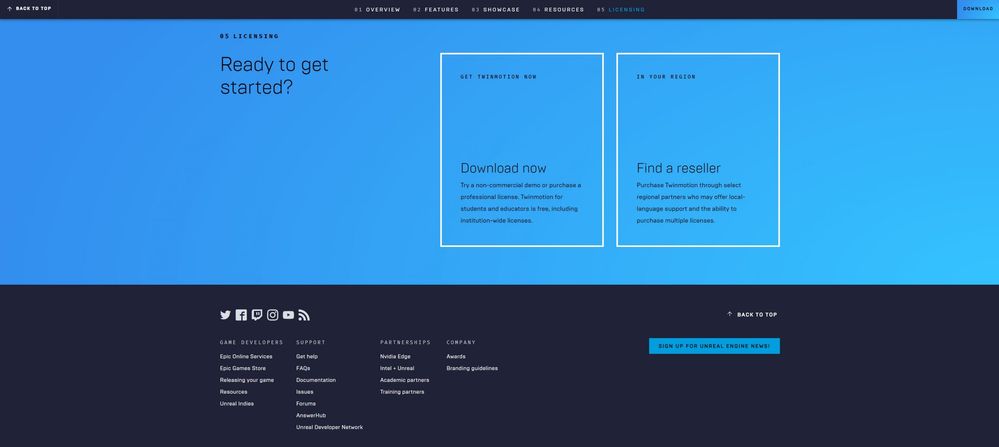
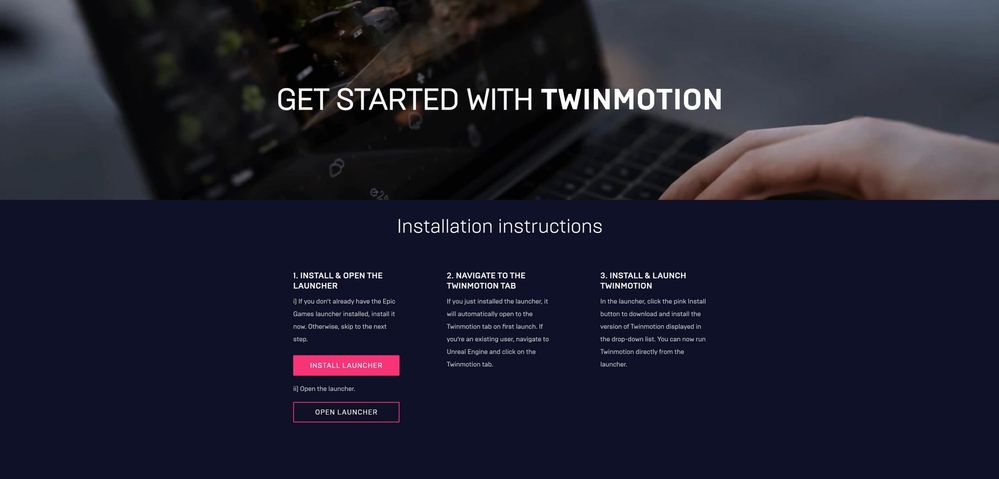
7. Download Epic Games Launcher. It is a small application that helps you download and install Twinmotion.
4. Install Twinmotion 2021
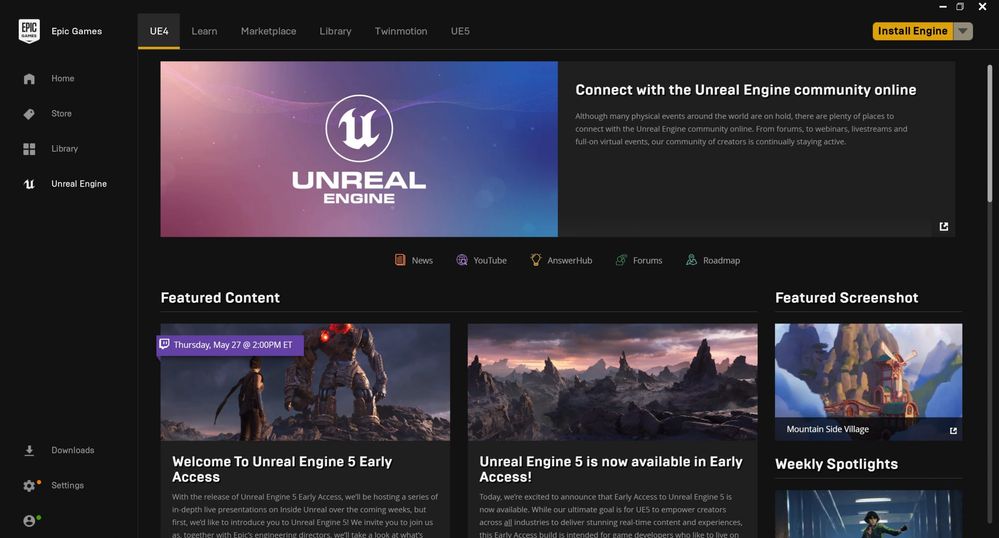
1. Install and open Epic Games Launcher.
2. Sign in to your Epic Games account.
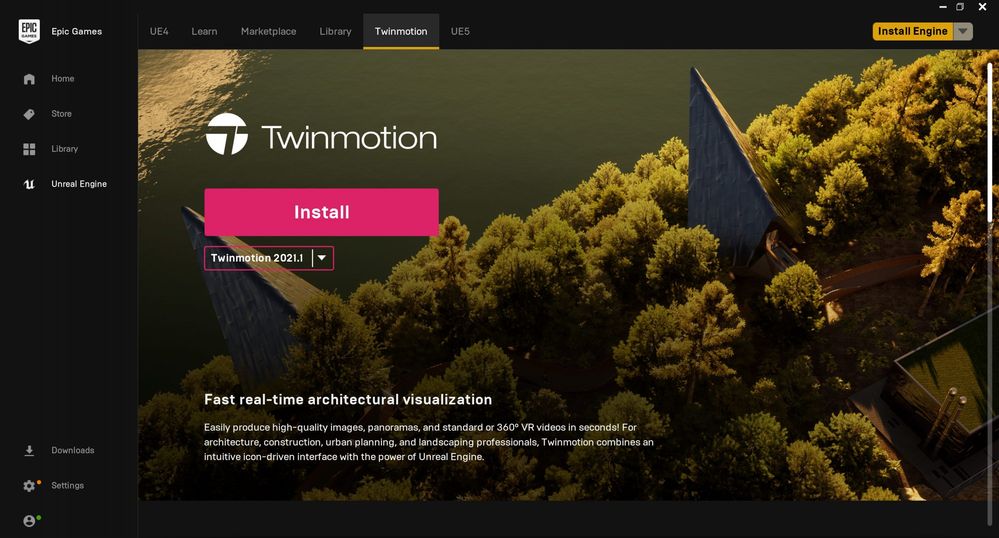
3. Go to Twinmotion menu on the top.
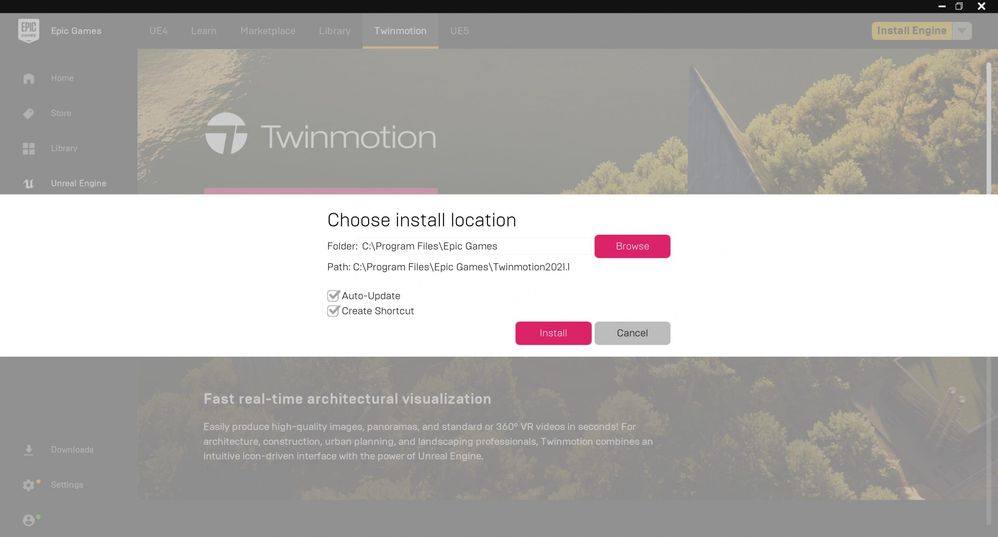
4. Click on Install.
5. Choose where to install Twinmotion. (If you have SSD, fusion drive, or any type of partition with a hard disk drive faster than magnetic hard disks, then it is recommended to install Twinmotion on your higher performance partition.)
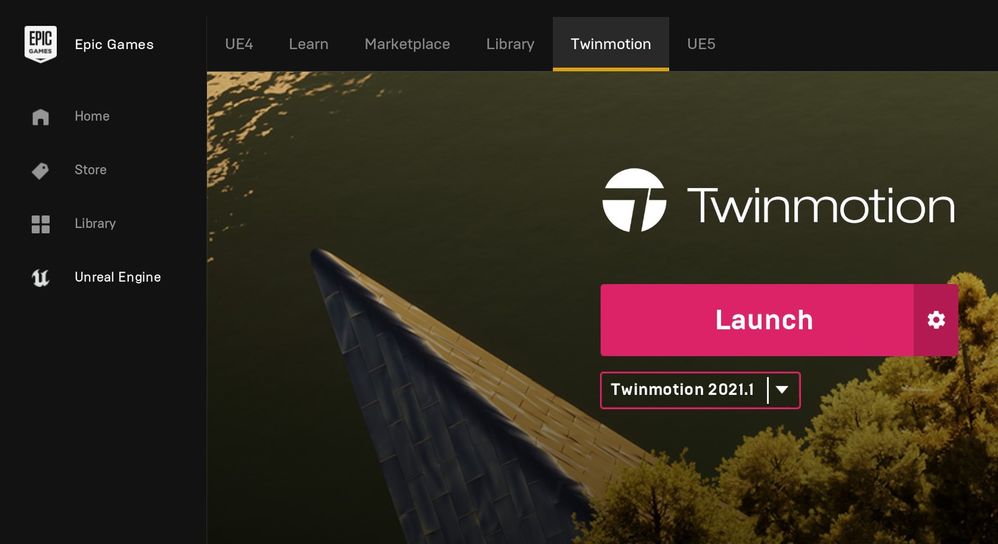
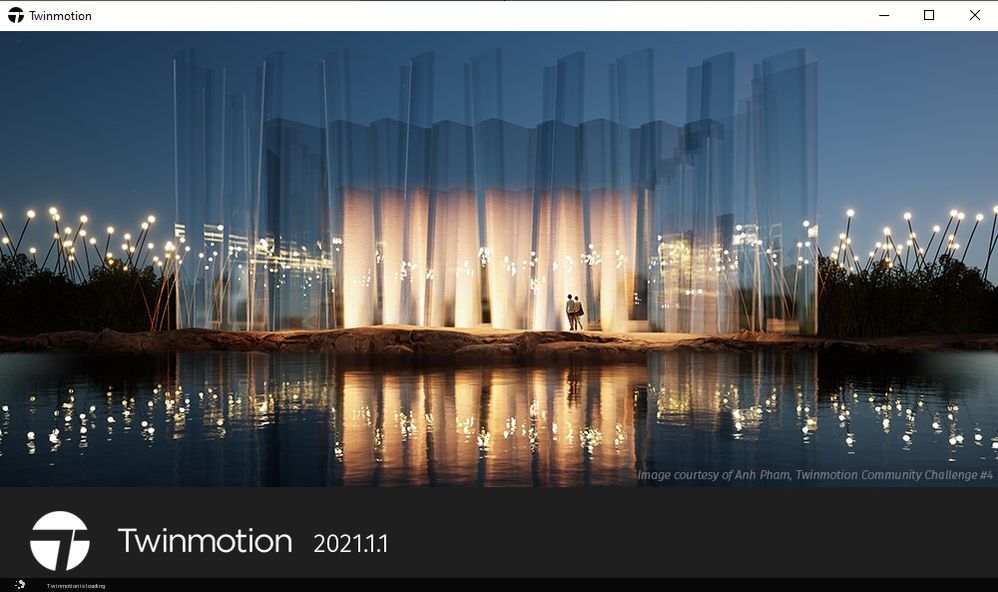
6. It will take some time to install the program. (It depends on your internet speed and computer performance.) When the installation finished, you will see the following, where you can launch Twinmotion:
7. Congratulations! Now you are a proud owner of a Twinmotion 2021 license.
5. Download the Direct Link plugins for Archicad
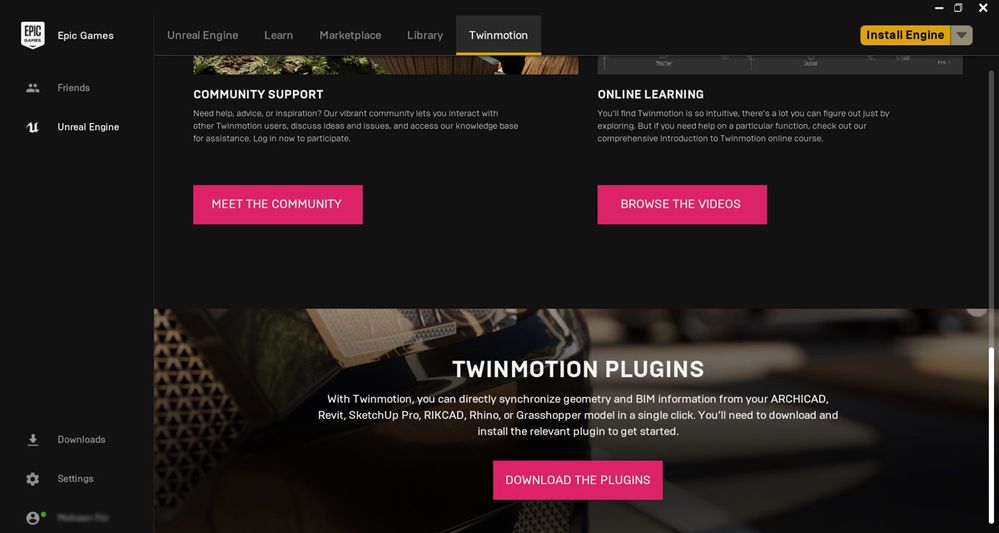
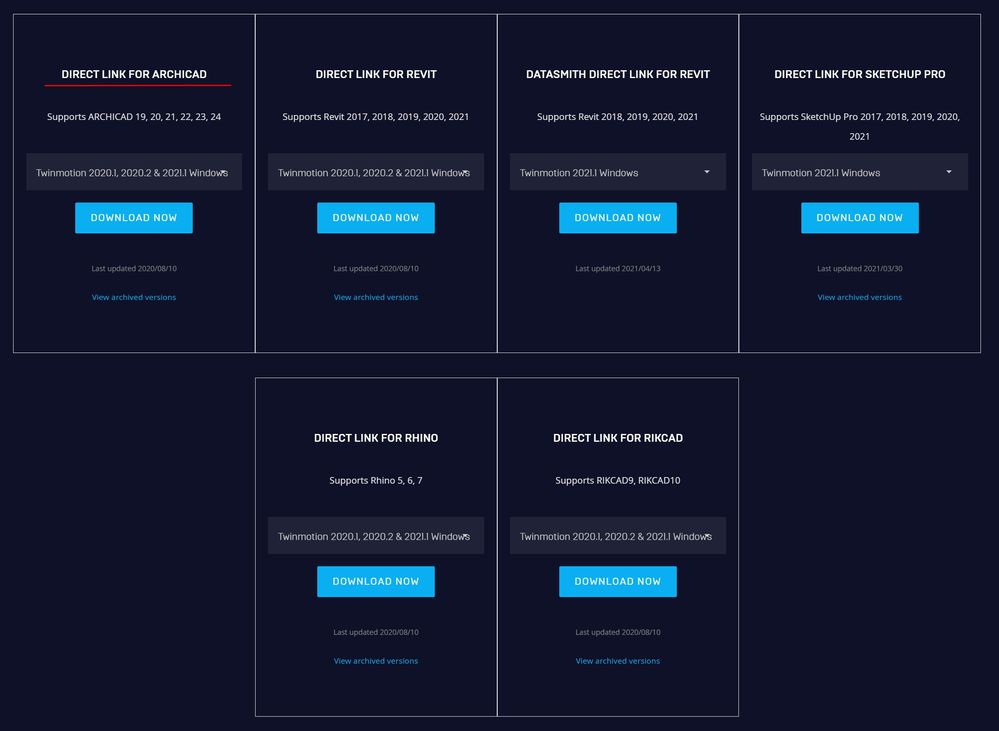
1. On the Twinmotion tab in the Epic Games launcher, scroll down to the bottom and click on the Download the Plugins button.
2. It takes you to Twinmotion plugin download webpage. Select the version of your operating system from the drop-down menu, and download the plugin.
NOTE: When you run the installer, at Installation Type, you can select the desired Archicad version. But also, you can install it to multiple versions at the same time.
Requirements to Obtain a Free Twinmotion 2021 License
Archicad commercial license (Annual Subscription)
Active SSA (Software Service Agreement)
GRAPHISOFT ID
An Epic Games Account
New to Twinmotion? Watch the video below to see what you can achieve with it. The video also guides you you through the steps of license acquisition as described above.
Note that although this video was created a year ago, the process to install the latest available Twinmotion version is the same until December 31, 2021.