
Turn on suggestions
Auto-suggest helps you quickly narrow down your search results by suggesting possible matches as you type.
Showing results for
EN
Turn on suggestions
Auto-suggest helps you quickly narrow down your search results by suggesting possible matches as you type.
Showing results for
- English
- :
- Forum
- :
- Documentation
- :
- Re: i cannot use the wall end tool - what is the s...
Options
- Subscribe to RSS Feed
- Mark Topic as New
- Mark Topic as Read
- Pin this post for me
- Bookmark
- Subscribe to Topic
- Mute
- Printer Friendly Page

proto
Advocate
Options
- Mark as New
- Bookmark
- Subscribe
- Mute
- Subscribe to RSS Feed
- Permalink
- Report Inappropriate Content
2021-09-29 08:04 PM
i cannot use the wall end tool - what is the syntax for using it?
2021-09-29
08:04 PM
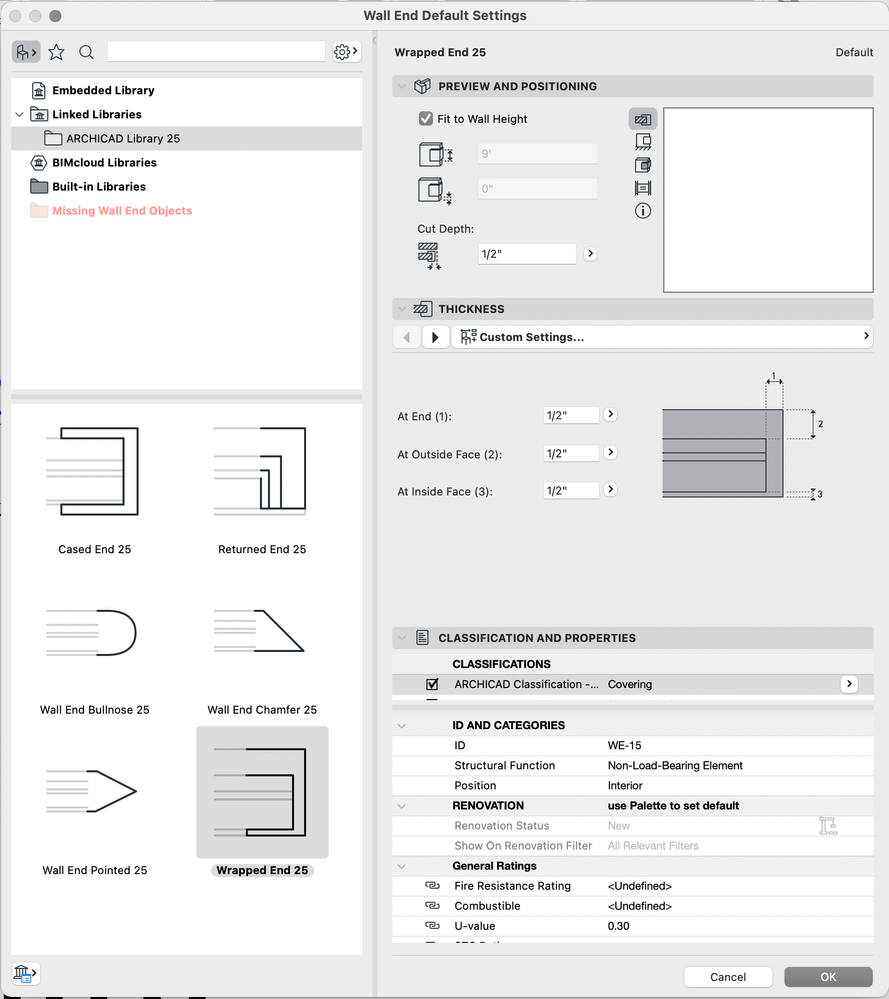
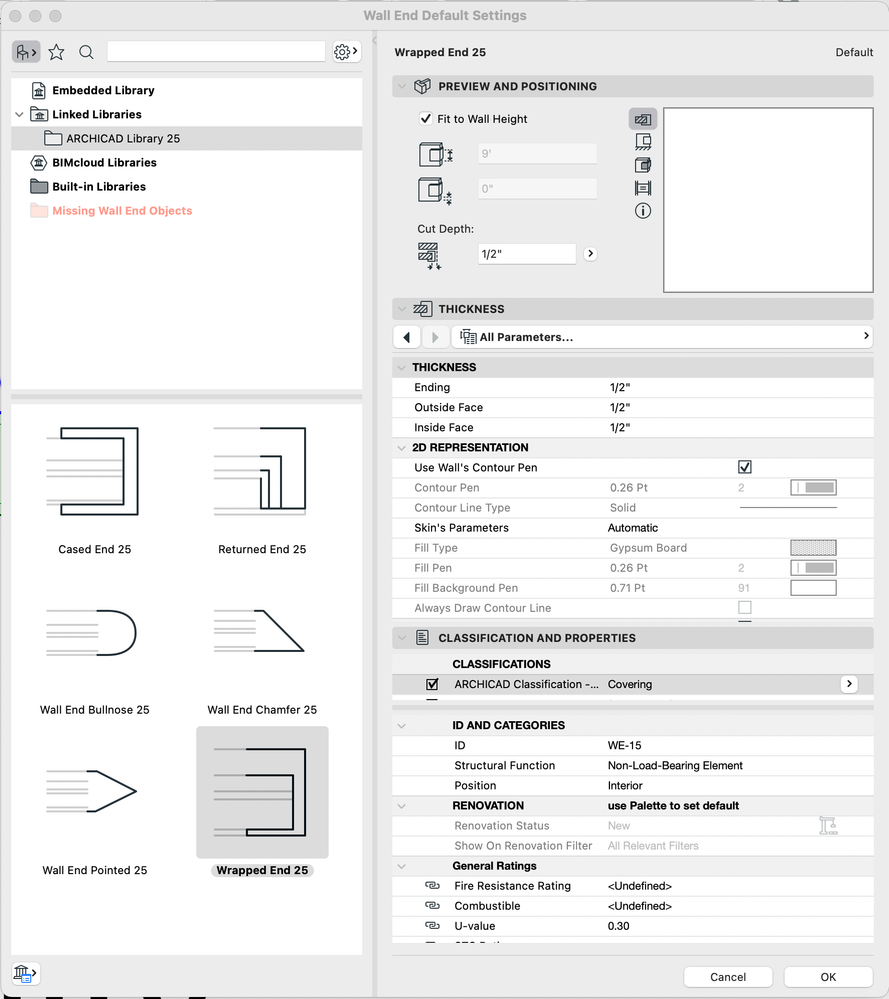
for the life of me, I cannot use the wall end tool
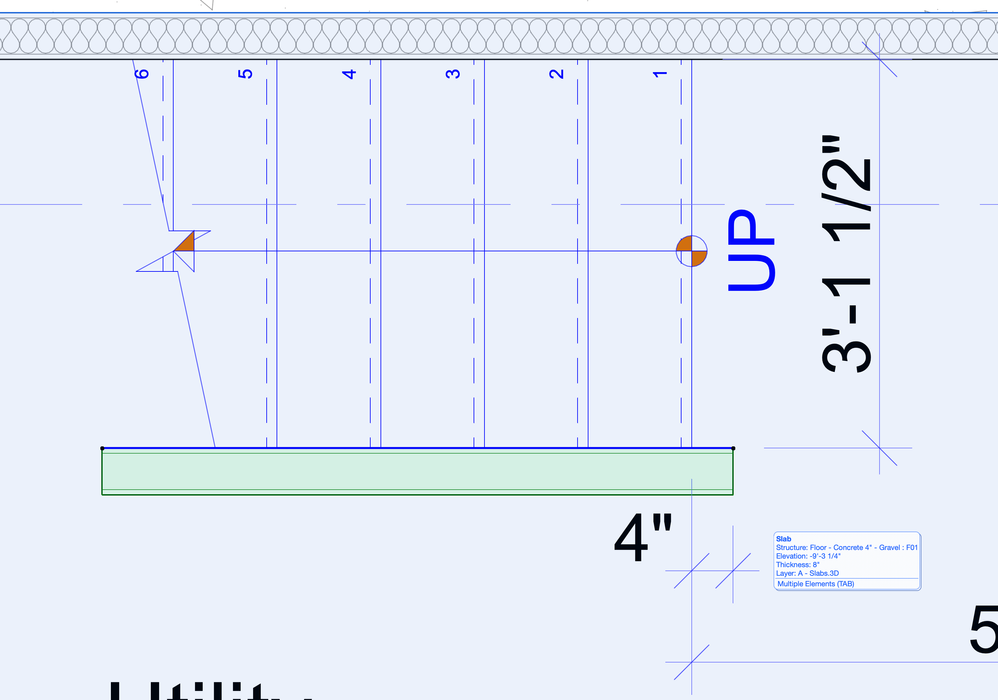
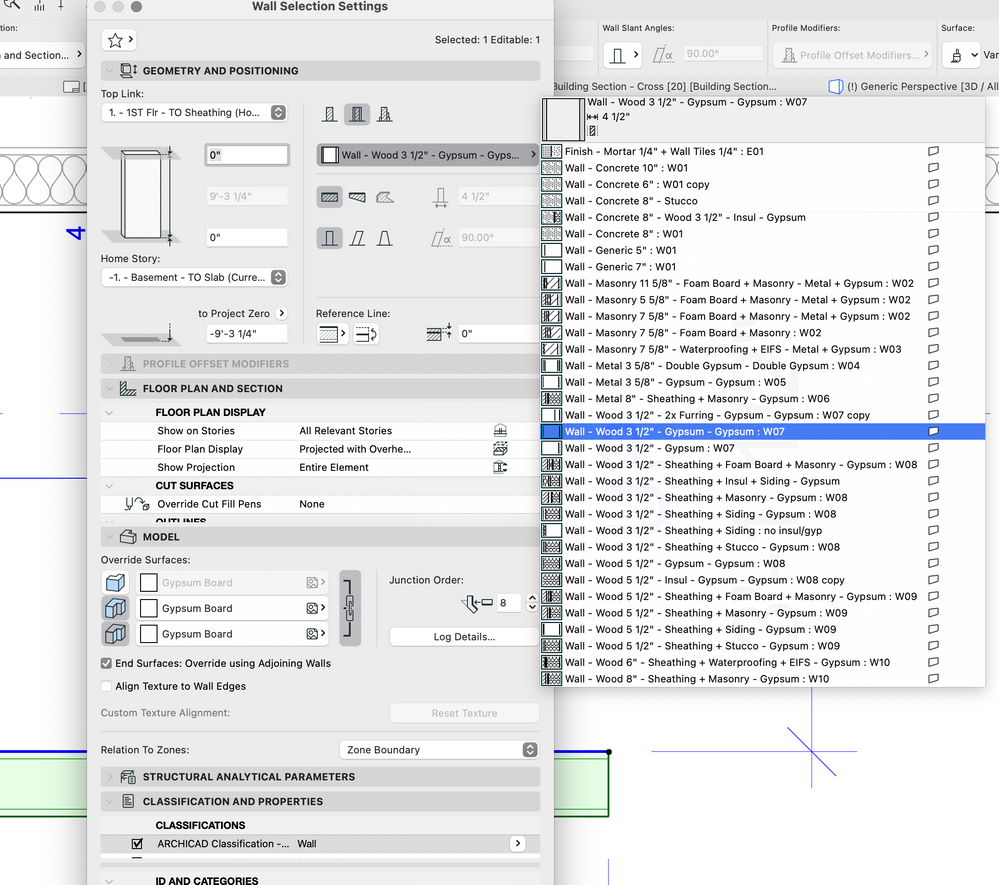
i just want to cap the end of a simple drywall partition [3.5" stud + 1/2" drywall both sides]
what is the correct way to use this tool?
the cursor doesn't seem to react to the end of the wall at all
Mac ACv29.2.0/5003, US, Tahoe26.5.1, 2021 iMac//2023 MacBook Pro//2025 Mac Studio
Solved! Go to Solution.
Solved
Read-Only
14 Replies 14
proto
Advocate
Options
- Mark as New
- Bookmark
- Subscribe
- Mute
- Subscribe to RSS Feed
- Permalink
- Report Inappropriate Content
2021-09-29 10:44 PM
2021-09-29
10:44 PM
sorry, i do not understand this
Mac ACv29.2.0/5003, US, Tahoe26.5.1, 2021 iMac//2023 MacBook Pro//2025 Mac Studio

DGSketcher
Legend
Options
- Mark as New
- Bookmark
- Subscribe
- Mute
- Subscribe to RSS Feed
- Permalink
- Report Inappropriate Content
2021-09-29 10:51 PM
2021-09-29
10:51 PM
You need to click exactly on the outside corners or the end of the base / reference line for the wall end to work.
You cannot add a wall end to a wall on a locked layer.
I know this doesn't apply in your case, but for the benefit of others, you cannot add a wall end to a COMPLEX profile.
Apple iMac Intel i9 / macOS Sonoma / AC27UKI (most recent builds.. if they work)
Solution

Qualifa
Booster
Options
- Mark as New
- Bookmark
- Subscribe
- Mute
- Subscribe to RSS Feed
- Permalink
- Report Inappropriate Content
2021-09-29 10:52 PM
2021-09-29
10:52 PM
Unfortunately I have no idea how to help you, I haven't come across this problem yet, are you sure you are trying to attach the end wall to the corner of your partition?
Proud member of UNION.ARCHI Network
proto
Advocate
Options
- Mark as New
- Bookmark
- Subscribe
- Mute
- Subscribe to RSS Feed
- Permalink
- Report Inappropriate Content
2021-09-29 11:08 PM
2021-09-29
11:08 PM
I was not clicking on the exact outside corner of the wall. I am now able to use the tool.
I am only able to select one response as a Solution, but I do want to thank you both for your input.
Mac ACv29.2.0/5003, US, Tahoe26.5.1, 2021 iMac//2023 MacBook Pro//2025 Mac Studio
Qualifa
Booster
Options
- Mark as New
- Bookmark
- Subscribe
- Mute
- Subscribe to RSS Feed
- Permalink
- Report Inappropriate Content
2021-09-29 11:27 PM
2021-09-29
11:27 PM
Glad we found your problem, I would only need your likes for a response that more closely matches your solution.
However, I would advise you to pay a little more attention to the video, as it often shows the whole process of the various projected solutions from the authors.
Proud member of UNION.ARCHI Network

- « Previous
-
- 1
- 2
- Next »
- « Previous
-
- 1
- 2
- Next »
Still looking?

Suggested topics
- Custom Property possible? - Zone naming in Project data & BIM
- Combine result of two properties which differentiates between 2 different element types in Project data & BIM
- Door Numbering from Zones in Project data & BIM
- Use Autotext in View Name in Documentation
- PLS Help! Number of certain types of objects in zone - parameter?? in Project data & BIM
