
Turn on suggestions
Auto-suggest helps you quickly narrow down your search results by suggesting possible matches as you type.
Showing results for
EN
Turn on suggestions
Auto-suggest helps you quickly narrow down your search results by suggesting possible matches as you type.
Showing results for
- English
- :
- Forum
- :
- Project data & BIM
- :
- Re: Doors that are part of the Curtain Wall System...
Options
- Subscribe to RSS Feed
- Mark Topic as New
- Mark Topic as Read
- Pin this post for me
- Bookmark
- Subscribe to Topic
- Mute
- Printer Friendly Page

Gisele
Advocate
Options
- Mark as New
- Bookmark
- Subscribe
- Mute
- Subscribe to RSS Feed
- Permalink
- Report Inappropriate Content
2023-03-27 04:26 PM
Doors that are part of the Curtain Wall System are not showing in the door schedule
2023-03-27
04:26 PM
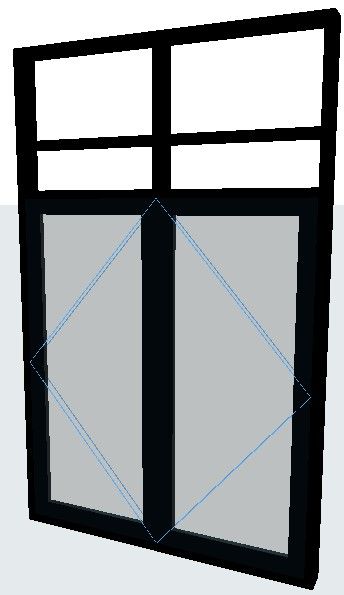
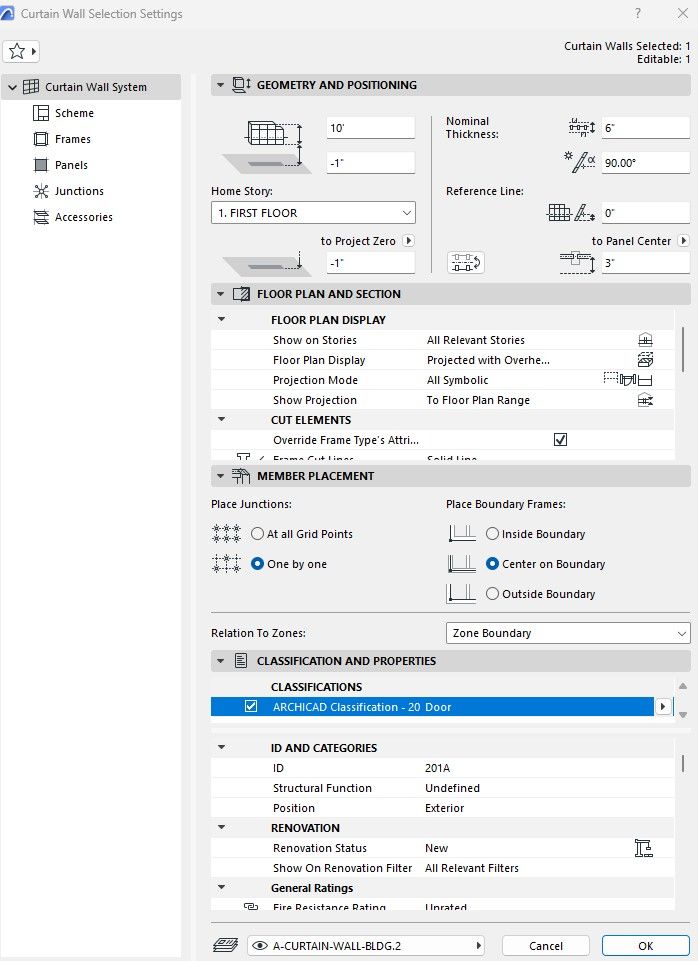
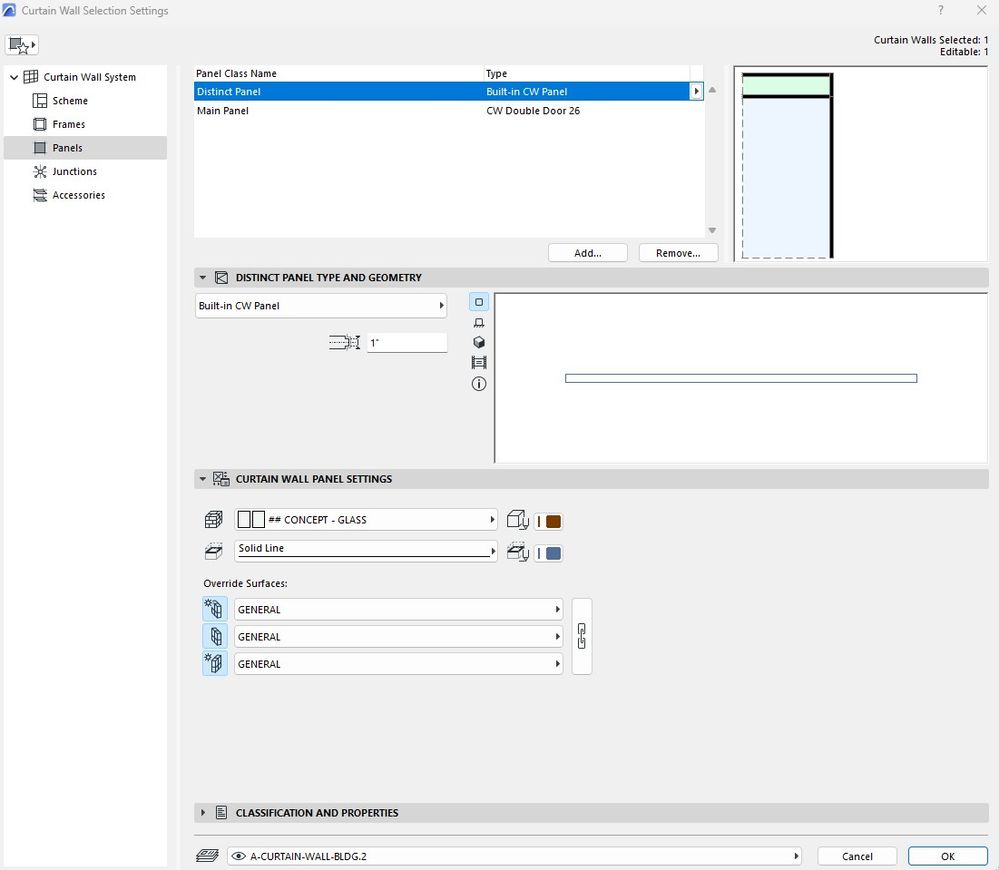
The panel of a curtain wall system has a CW Double Door type; (see attached screenshots). How to add this door type to the door schedule?
AC 26 - 5002 USA FULL
Win11 Pro 22H2 - 13th Gen Intel(R) Core(TM) i9-13900KF 3.00 GHz - 64 GB - 64-bit operating system, x64-based processor
Win11 Pro 22H2 - 13th Gen Intel(R) Core(TM) i9-13900KF 3.00 GHz - 64 GB - 64-bit operating system, x64-based processor
Solved! Go to Solution.
3 Solutions
Accepted Solutions

BrunoH
Expert
Options
- Mark as New
- Bookmark
- Subscribe
- Mute
- Subscribe to RSS Feed
- Permalink
- Report Inappropriate Content
2023-03-27 05:15 PM
2023-03-27
05:15 PM
Hi,
add a first line to your schedule criteria "Element type is panel OR"
ArchiCad 3.43 to 28
MacOS Monterey
MacOS Monterey
Gisele
Advocate
Options
- Mark as New
- Bookmark
- Subscribe
- Mute
- Subscribe to RSS Feed
- Permalink
- Report Inappropriate Content
2023-03-27 05:40 PM - edited 2023-03-27 05:52 PM
2023-03-27
05:40 PM
Thank you, Bruno.
AC 26 - 5002 USA FULL
Win11 Pro 22H2 - 13th Gen Intel(R) Core(TM) i9-13900KF 3.00 GHz - 64 GB - 64-bit operating system, x64-based processor
Win11 Pro 22H2 - 13th Gen Intel(R) Core(TM) i9-13900KF 3.00 GHz - 64 GB - 64-bit operating system, x64-based processor
Solution
BrunoH
Expert
Options
- Mark as New
- Bookmark
- Subscribe
- Mute
- Subscribe to RSS Feed
- Permalink
- Report Inappropriate Content
2023-03-27 06:16 PM
2023-03-27
06:16 PM
It's because unlike doors placed in walls withe the door tool it's a 3D projection not a symbolic one.
If you want the door panel open set the 3D opening angle options to 90°.
If you want to see the opening lines you'll have to draw them manually.
Select the schedule cell then clic the annotate button and draw the lines
ArchiCad 3.43 to 28
MacOS Monterey
MacOS Monterey
3 Replies 3
BrunoH
Expert
Options
- Mark as New
- Bookmark
- Subscribe
- Mute
- Subscribe to RSS Feed
- Permalink
- Report Inappropriate Content
2023-03-27 05:15 PM
2023-03-27
05:15 PM
Hi,
add a first line to your schedule criteria "Element type is panel OR"
ArchiCad 3.43 to 28
MacOS Monterey
MacOS Monterey
Gisele
Advocate
Options
- Mark as New
- Bookmark
- Subscribe
- Mute
- Subscribe to RSS Feed
- Permalink
- Report Inappropriate Content
2023-03-27 05:40 PM - edited 2023-03-27 05:52 PM
2023-03-27
05:40 PM
Thank you, Bruno.
AC 26 - 5002 USA FULL
Win11 Pro 22H2 - 13th Gen Intel(R) Core(TM) i9-13900KF 3.00 GHz - 64 GB - 64-bit operating system, x64-based processor
Win11 Pro 22H2 - 13th Gen Intel(R) Core(TM) i9-13900KF 3.00 GHz - 64 GB - 64-bit operating system, x64-based processor
Solution
BrunoH
Expert
Options
- Mark as New
- Bookmark
- Subscribe
- Mute
- Subscribe to RSS Feed
- Permalink
- Report Inappropriate Content
2023-03-27 06:16 PM
2023-03-27
06:16 PM
It's because unlike doors placed in walls withe the door tool it's a 3D projection not a symbolic one.
If you want the door panel open set the 3D opening angle options to 90°.
If you want to see the opening lines you'll have to draw them manually.
Select the schedule cell then clic the annotate button and draw the lines
ArchiCad 3.43 to 28
MacOS Monterey
MacOS Monterey

Didn't find the answer?
Check other topics in this Forum
Back to ForumRead the latest accepted solutions!
Accepted SolutionsStart a new conversation!
Suggested topics
- Archicad Interactive Schedule shows a single multi-plane hip roof as four separate elements in Documentation
- A Description line is blank in Keynotes in Documentation
- Window Schedule - View from Opening Side Display Colors in Documentation
- Weird bolded ID numbers in door schedule in Documentation
- CW Door: Discrepancy in Scheduled Width (because of sub-frame) in Project data & BIM
