Graphisoft ID is your gateway to a great personal experience with all of the products and services we offer, including Archicad, BIMx, BIMcloud, DDScad, Learn, Community and Forward.
Learn more about the benefits you can access with Graphisoft ID here.
Beginning with version 25, Archicad requires you to log in with your Graphisoft ID. This article describes the steps.
How does it work?
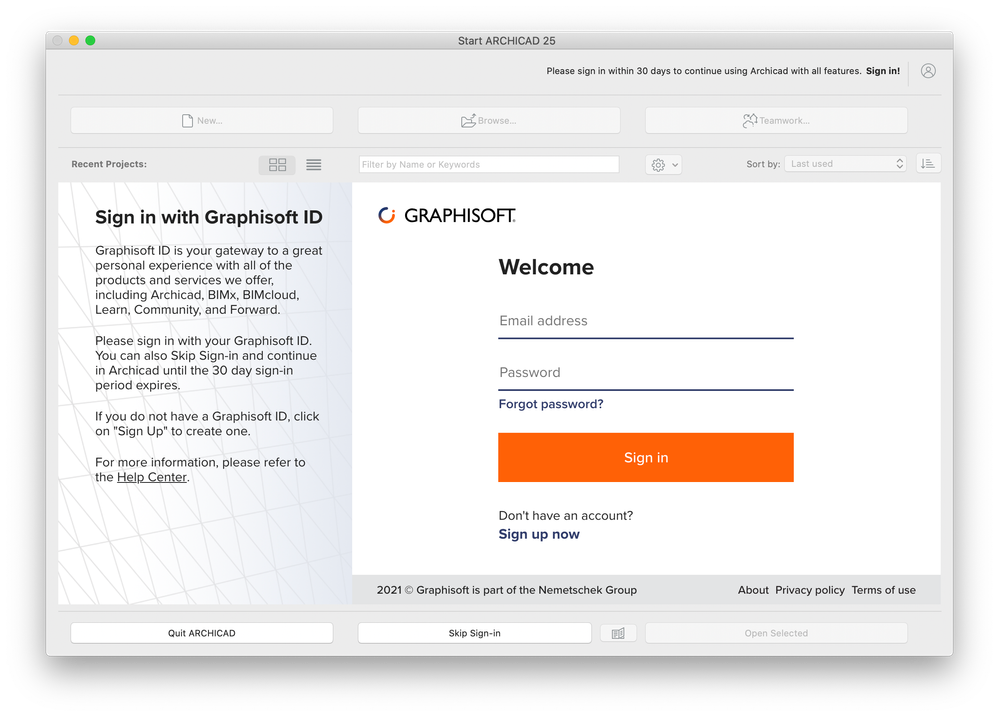
At the first launch of the program, the following start-up dialog will greet you:
- You don't have to sign in each time you launch Archicad.
- Simply enter your Graphisoft ID and work as usual. Your sign-in credentials will be stored.
If you do not have a Graphisoft ID account yet, you can easily create one in Archicad's start-up dialog by clicking on Sign up now.
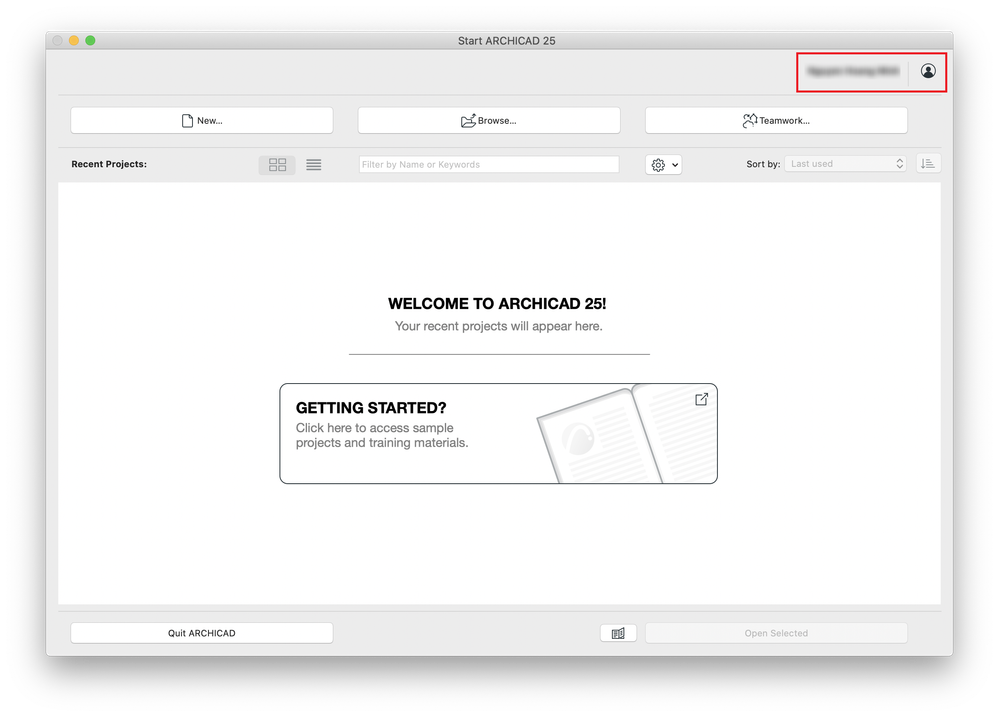
After signing in, the usual Archicad start-up dialog will appear, with your name registered in Graphisoft ID showing up at the top right corner:
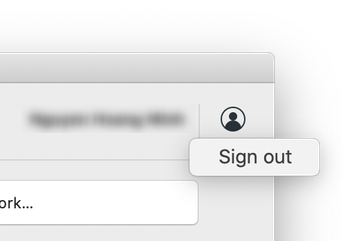
Clicking the button shown below, there is an option to sign out. Use this function in case you want to associate another Graphisoft ID with Archicad.
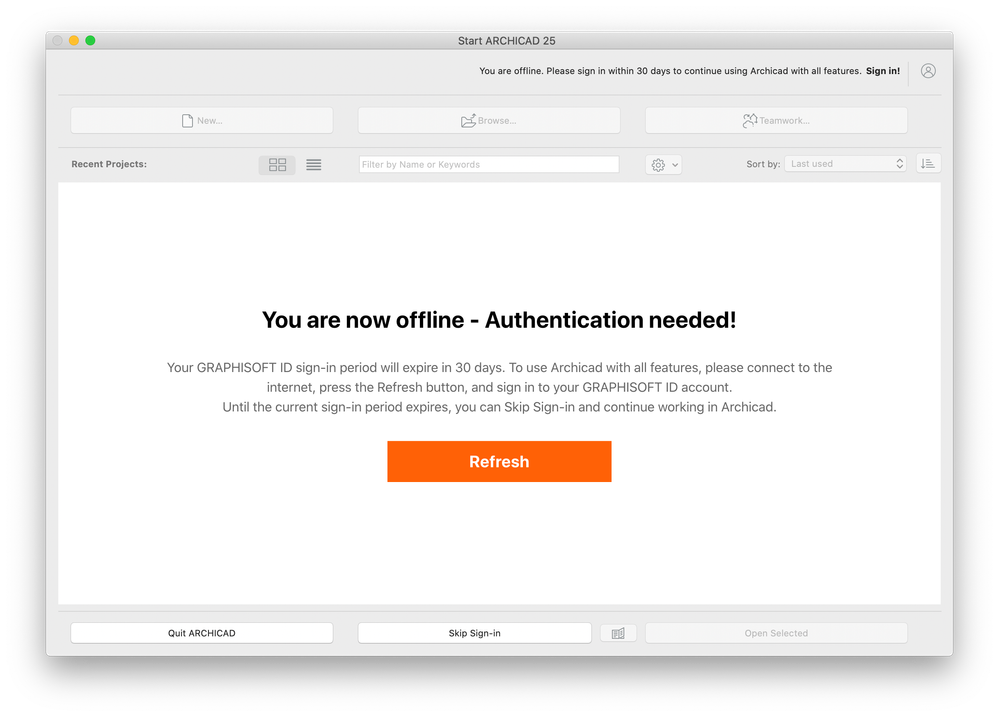
If you choose to click on Skip Sign-in at the bottom of the dialog, at a later launch, in case of no internet connection, you might encounter this dialog:
In such a case please connect to the internet and click the Refresh button. The sign-in dialog will then appear, and you can sign in with your
Graphisoft ID.
NOTE:
If Archicad could never communicate with Graphisoft services since the first launch, the dialog requiring Graphisoft ID authentication does not appear. In this case, Archicad starts up just like any previous version.
You can also sign in with your Graphisoft ID inside Archicad's Work Environment:
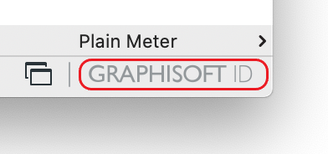
- Click the Graphisoft ID button at the lower right corner
- Or navigate to Help > Sign in...
After signing in, clicking the same button will also give you the option to sign out.
For more information and help regarding Graphisoft ID, please read this article.